Pi · Claude Code · Codex · OpenCode · Antigravity
Capture AI coding input
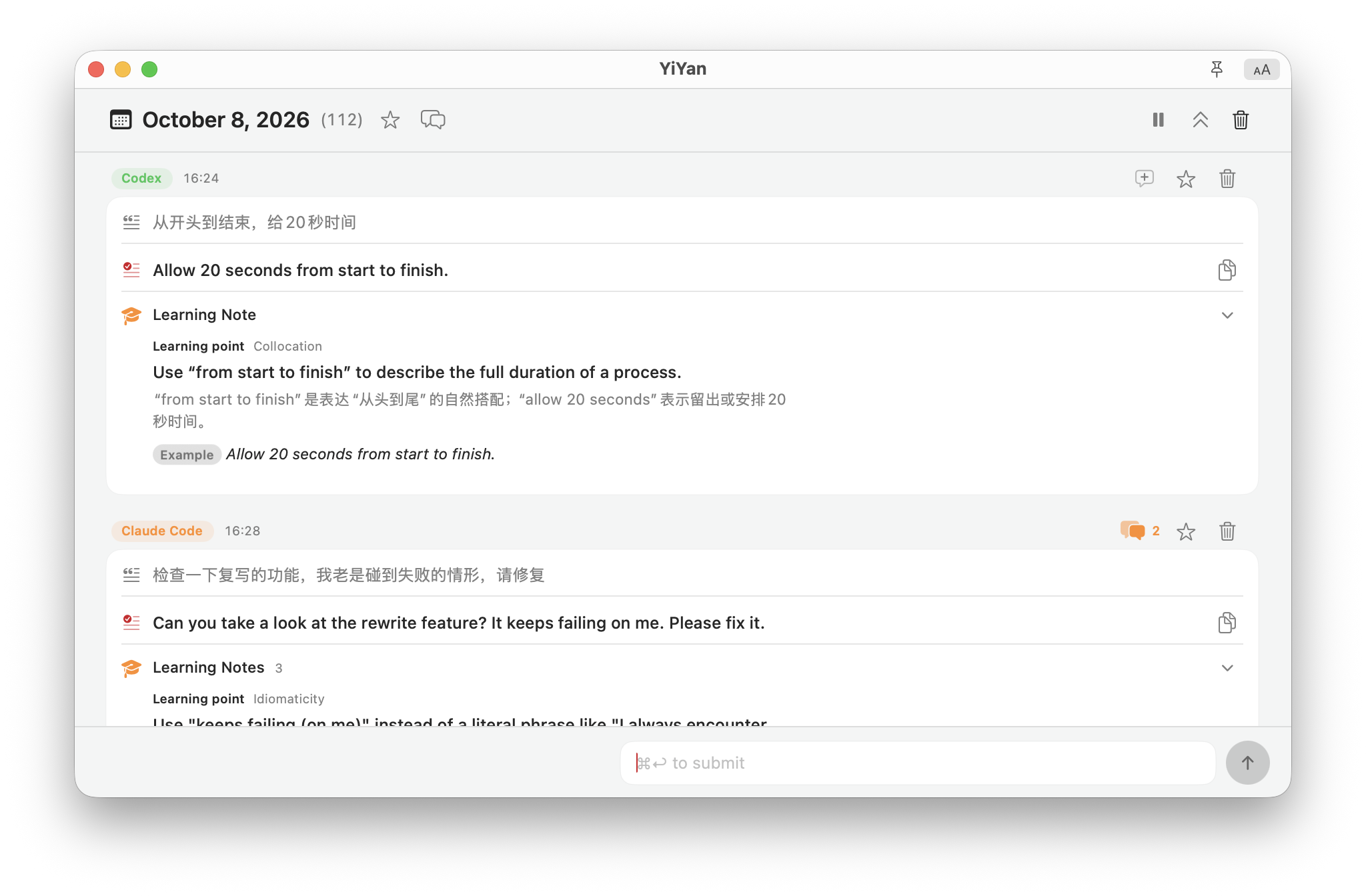
Capture new input from AI coding tools without interrupting your work.
 YiYan
YiYan Refine text into natural English on Mac, with explanations and examples. Capture new input from AI coding tools such as Claude Code and Codex, or refine selected text and the current field. Optionally sync records via iCloud to the iPhone beta.
Pi · Claude Code · Codex · OpenCode · Antigravity
Capture new input from AI coding tools without interrupting your work.
Shortcut · Services · Menu bar
Type Chinese, English or both. Refine a selection or the current text field in another app.
What you really said is the practice
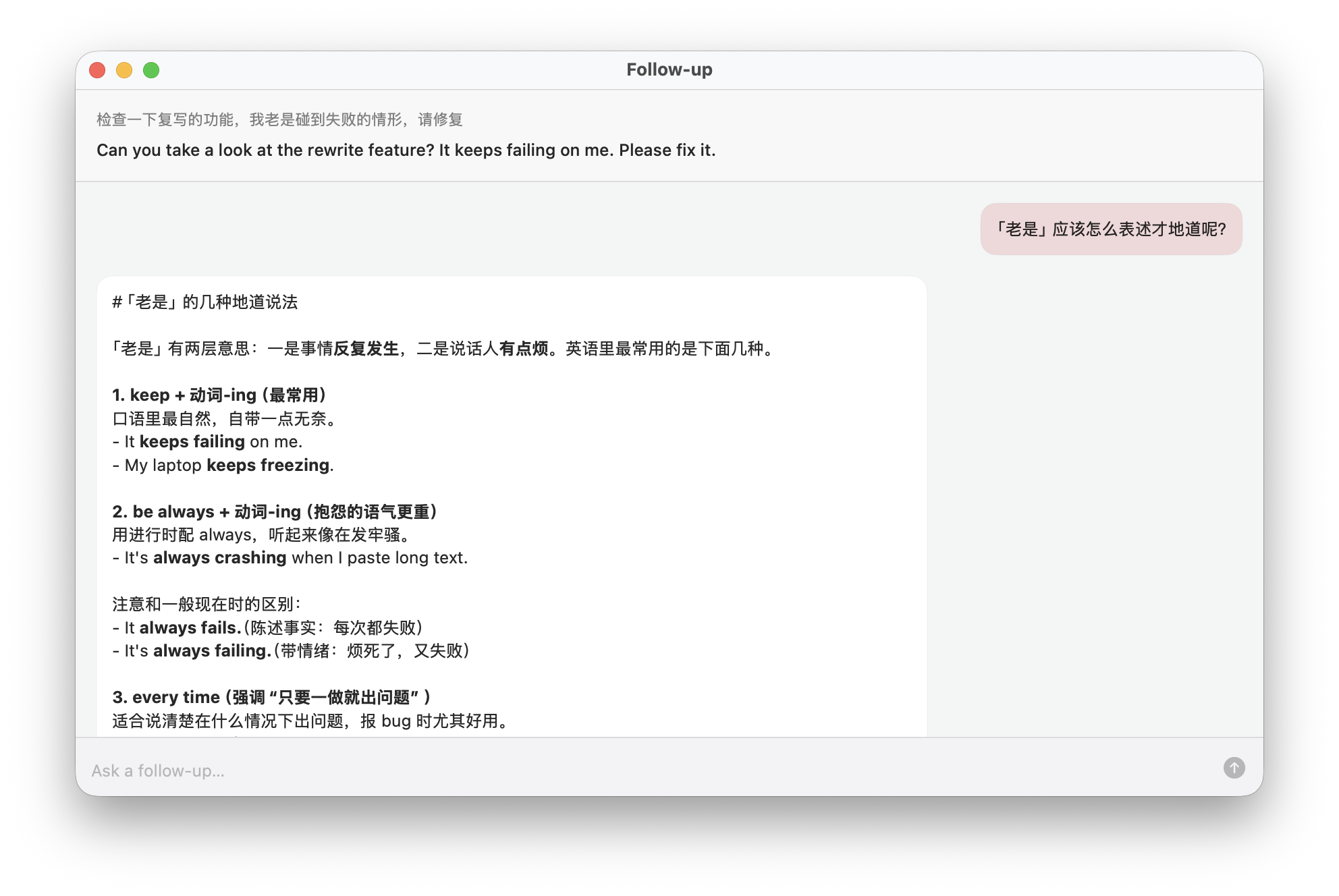
Focused notes and examples. Ask follow-up questions about a record on your Mac. US or UK English; natural, casual or professional. Choose the explanation language and keep your tone.
Records stay local by default
Browse by date, bookmark, copy and reuse. Retry failures or delete records you no longer need.
What you just wrote
Delete the decoration elements, make the key points prominent, use the original components, and do not play by yourself.
A more natural way to say it
Remove the decorative elements, keep the focus on the content, and use the original components as-is instead of adding your own spin.
Why it reads that way
“keep the focus on…” lands better in design feedback than a literal “highlight the key points”; “as-is” says use it exactly as shipped, and “add your own spin” is how a native speaker names improvising.
Reuse it next time
keep the focus on …use … as-isadd your own spin
Optional iCloud sync · iPhone TestFlight beta
Optional iCloud sync · iPhone TestFlight beta. Read aloud, practise recall, set daily reminders or continue in an AI app.
Enable iCloud on Mac and use the same Apple Account. On iPhone: search, calendar, bookmarks and offline access to synced records.
YiYan does not install itself into Pi, Claude Code, Codex, OpenCode, or Antigravity, and never changes their settings.