GitHub Releases
Install manually
- Download the latest macOS ZIP from GitHub Releases.
- Unzip the archive and move XVDL.app into your Applications folder.
- Open XVDL once before enabling the Safari extension.
 XVDL
XVDL 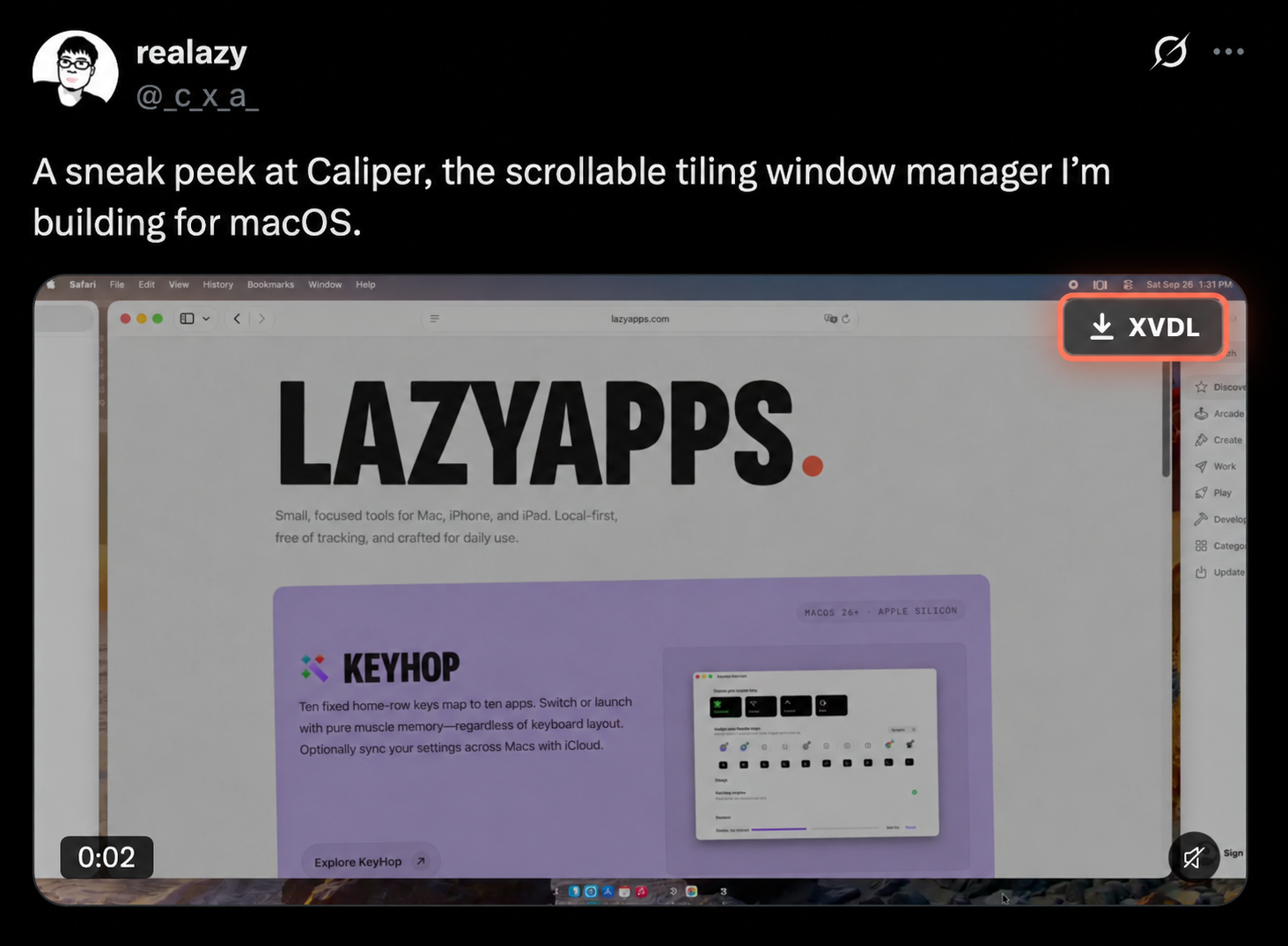
The download button appears when a post provides a downloadable MP4.
XVDL adds a download button to X video posts and saves the highest-quality available MP4 straight to your Downloads folder. No link copying, no external converter services, no media uploads.
GitHub Releases
One-time setup
x.com and twitter.com to Allow. Return to an X video post. The XVDL button appears when the post provides a downloadable MP4.
Add to Dock
XVDL also works in Safari web apps saved with Add to Dock. Open the web app, choose its name in the menu bar, then enable XVDL under Settings → Extensions and allow the same website access.
XVDL does not collect, store, sell, or transmit personal data. It does not upload downloaded media or video metadata to lazyapps servers.